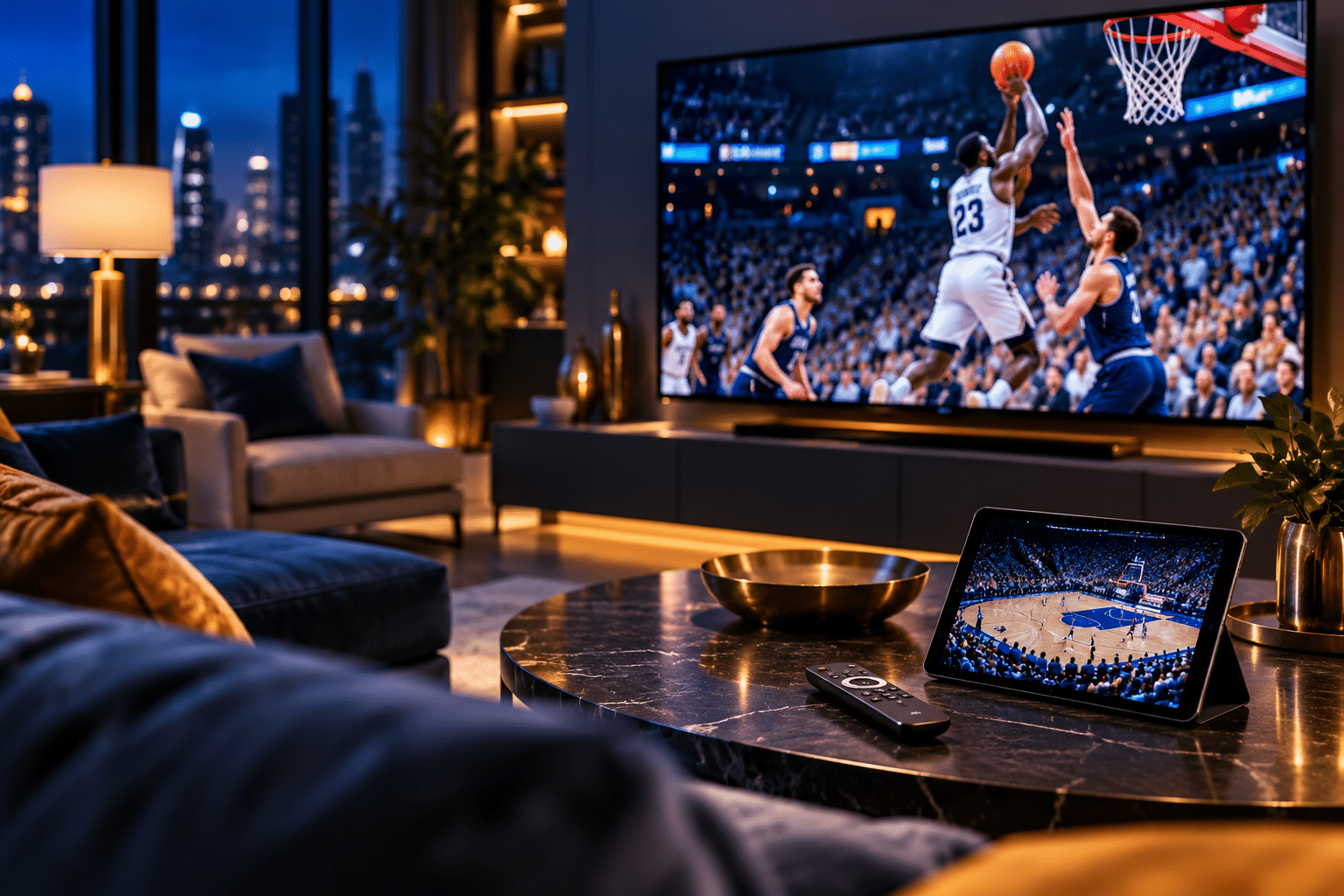
Sports Streaming Has Reached Its Decision Point
Fall used to make sports television simple. Football arrived, basketball followed, and one television package handled most of the work. The sports streaming guide for fall 2026 looks very different.
Fans now navigate broadcast networks, streaming exclusives, league subscriptions, regional rights, local stations, and blackout rules. At the same time, the devices carrying those games matter almost as much as the services.
That creates two decisions.
First, you need to figure out which subscriptions actually carry the games you want. Then you need hardware that makes switching, streaming, and watching those games easy.
Basketball makes this especially important. The 2026-27 NBA regular season starts October 20, and national games now stretch across ESPN and ABC, NBC and Peacock, plus Prime Video. The NBA says ESPN and ABC will carry 80 regular-season games, NBC and Peacock will carry 100, and Prime Video will stream 66.
Football season already shows consumers what this fragmentation feels like. Saturday and Sunday can require completely different apps, networks, and subscriptions.
The answer is not automatically buying everything.
The smarter approach starts with one question: Which games do you actually care about?
That question should determine your services, your hardware, and your monthly bill.
Why the Sports Streaming Guide for Fall 2026 Is Different
The NBA now gives fans a weekly streaming rhythm instead of one dominant destination.
ESPN and ABC remain major national outlets. NBC and Peacock add another large block of games. Prime Video now has its own NBA schedule alongside Thursday Night Football.
For many viewers, Peacock has therefore changed from an entertainment extra into a serious sports subscription.
Peacock Premium currently costs $12.99 per month and includes live sports. Premium Plus costs $19.99 per month, although ads can remain during live sporting events.
Prime Video creates a different value proposition. Households that already use Amazon Prime may already have access to an important part of the sports calendar without adding another dedicated service.
NBA fans also need to consider NBA League Pass. Standard League Pass currently costs $16.99 per month, while League Pass Premium costs $24.99. Premium supports up to three devices, offline viewing, and in-arena feeds during commercial breaks.
That sounds straightforward until blackouts enter the picture.
League Pass focuses primarily on out-of-market viewing. National and local restrictions can affect live availability. That matters because the service may deliver tremendous value to someone living far from their favorite team, while providing less live coverage to a fan inside that team’s local market.
In practice, the best sports subscription depends on geography almost as much as fandom.
Football Shows How Complicated Streaming Has Become
Football provides an even clearer example.
NFL games still span traditional television and streaming. CBS and FOX handle major Sunday windows, NBC carries Sunday Night Football, and ESPN and ABC carry Monday Night Football. Prime Video owns Thursday Night Football.
Then specialized access enters the picture.
Fans who want out-of-market Sunday afternoon NFL games need NFL Sunday Ticket. YouTube now sells Sunday Ticket through YouTube and YouTube TV.
Pricing can vary by customer status and promotion. YouTube’s current information lists standard returning-customer pricing as high as $378 when paired with YouTube TV or $480 as a standalone package, while eligible promotions can reduce that figure.
College football widens the field further. ABC, ESPN, CBS, FOX, NBC, conference networks, and streaming services all play a role.
That is where a broader service can make more sense.
The ESPN Unlimited and FOX One bundle costs $39.99 per month. It combines ESPN’s direct-to-consumer service with FOX One, which includes FOX sports properties, FS1, FS2, Big Ten Network, and participating local FOX stations.
See the ESPN and FOX One bundle
A Big Ten household, college football fan, or general sports viewer could find strong value there. However, Peacock, Prime Video, CBS-based coverage, and some local rights can still create gaps.
That leads to the central lesson in this sports streaming guide for fall 2026.
Do not build your subscriptions around brand names. Build them around the specific teams and leagues you follow.
Your TV Can Improve the Experience More Than Another Subscription
Most streaming guides focus completely on services. That misses half the experience.
If your television takes 20 seconds to open an app, struggles with Wi-Fi, or makes switching between services frustrating, adding another subscription will not solve the problem.
For viewers considering a full television upgrade, GadgetGram recently reviewed the Amazon Ember Artline 55-inch 4K QLED Smart TV.
The Ember Artline combines a 4K QLED display with Fire TV, Dolby Vision, HDR10+, Wi-Fi 6, and Alexa. That integrated Fire TV layer matters for sports households because it places many major streaming apps in one interface.
It also demonstrates an important buying principle.
You do not necessarily need the most exotic panel technology for sports. Smooth navigation, reliable connectivity, strong motion handling, useful viewing angles, and broad app support can affect game day more often.
Readers comparing televisions can also browse GadgetGram’s TV Tech reviews and coverage before upgrading. GadgetGram covers everything from conventional 4K sets to newer display technologies.
For sports fans, size matters too.
A larger television makes score graphics easier to read from across the room. It also improves multiview because each individual game occupies more usable screen space.
Where this gets interesting is that you may not need a new TV at all.
A better streamer can often revive an older set.
A Streaming Stick May Be the Smarter Upgrade
Smart TV hardware ages faster than the panel itself.
A television can still produce an excellent picture while its internal processor feels painfully slow. Apps take longer to launch. Menus lag. New services may receive inconsistent support.
An external streamer can solve that without replacing the screen.
GadgetGram reviewed two particularly relevant Amazon options.
The Fire TV Stick 4K Select review focuses on straightforward 4K streaming. GadgetGram found that it makes sense for viewers who want broad app access and Alexa search without paying for premium hardware they may not use.
Sports viewers with stronger networking demands should also read GadgetGram’s Fire TV Stick 4K Max 2nd Gen review.
The 4K Max supports Wi-Fi 6E and brings services such as Prime Video, Peacock, YouTube, and other major apps into one Fire TV interface.
That matters in a busy home.
Multiple televisions, phones, tablets, laptops, game consoles, cameras, and smart-home devices can compete for wireless bandwidth. A capable streaming device with modern Wi-Fi support cannot fix a poor home network, but it can remove one potential bottleneck.
For a sports household, speed also affects navigation.
Think about a Thursday night when you move from a college game to Prime Video, check another matchup on ESPN, then return to a local broadcast. Slow hardware turns every switch into friction.
Readers comparing devices can find more options inside GadgetGram’s Streaming coverage hub.
The trade-off is simple. Do not replace an otherwise good television just because its software feels old. A relatively inexpensive streamer may extend that TV’s useful life.
Tablets Are Becoming the Second Sports Screen
The television no longer has to carry the entire sports experience.
A tablet can become a second game screen, stat dashboard, fantasy-football companion, or portable viewing device.
That changes how households handle overlapping schedules.
One person can watch the primary game on the television while another follows a different matchup on a tablet. During college football Saturdays or the opening months of basketball season, that flexibility becomes especially useful.
YouTube TV now emphasizes multiview and supports viewing up to four games at once on compatible TVs, tablets, and mobile devices through supported configurations. Its Sports Plan currently lists a standard rate of $64.99 per month, while the main plan costs $82.99. Promotional pricing can change, so buyers should check the current offer before subscribing.
NBA League Pass also supports multiview on select devices, allowing fans to watch up to four games at once.
GadgetGram has explored an unusual approach to this second-screen idea with the Cozyla 32-inch Tablet TV review.
The Cozyla combines a 32-inch 1080p touchscreen, Android, Wi-Fi 6, a wheeled mobile base, and an internal battery. It effectively sits between a conventional tablet and a television.
That form factor creates interesting sports use cases.
You could roll it into a kitchen while preparing food, move it onto a patio, use it beside a larger TV for a second game, or reposition it when several people want different viewing angles.
It will not replace a premium living-room television for everyone. However, it shows how flexible screens can change sports viewing inside the home.
That trend will likely matter more as sports rights continue to fragment.
Build Your Services Around Your Teams
The sports streaming guide for fall 2026 becomes much easier once you stop looking for one universal package.
Start with your must-watch teams.
If you mainly follow national NBA games, map your needs across ESPN, NBC and Peacock, and Prime Video.
If you follow an out-of-market NBA team, add League Pass to the calculation.
If college football dominates your Saturdays, look closely at the ESPN and FOX combination, then identify whether your school also appears regularly on NBC, Peacock, CBS, or another network.
If you want one broader interface with local channels, DVR, and multiview, YouTube TV deserves consideration.
Its new Sports Plan costs $64.99 at its standard monthly rate and includes more than 30 channels plus local stations where available. The main plan costs $82.99 and expands the channel lineup beyond sports.
If NBC’s sports portfolio matters to you, Peacock Premium starts at $12.99 monthly.
Consumers should also remember Prime Video. Anyone already paying for Amazon Prime should check what sports access the membership includes before adding another subscription.
The goal is not to own every service.
The goal is to eliminate unnecessary overlap.
Things to Consider Before Adding Another Sports App
Start with blackout rules.
NBA League Pass clearly states that blackout restrictions apply. Local and nationally televised games may not appear live through League Pass in every market.
Check that before subscribing.
Next, inspect the subscriptions you already have.
An existing Prime membership may cover some games. Your current TV service may unlock network apps. A family member may already subscribe to a compatible service under an eligible household setup.
Then inspect your hardware.
If your TV picture still looks good but apps feel slow, read GadgetGram’s Fire TV Stick 4K Select review before replacing the entire television.
If you want faster wireless connectivity and a more capable Fire TV experience, compare it with the Fire TV Stick 4K Max 2nd Gen.
If the main display itself needs replacement, start with GadgetGram’s TV coverage and the Amazon Ember Artline review.
Finally, think seasonally.
A subscription that delivers great value in October may offer much less value to your household in May. Monthly streaming plans give consumers flexibility that traditional television contracts often lacked.
Use that flexibility.
The GadgetGram Decision
The defining sports technology trend of fall 2026 is not one television, one app, or one league package.
It is the growing connection between all three.
The sports streaming guide for fall 2026 now starts with content rights, moves through subscription strategy, and ends with the hardware delivering the game.
For some homes, a broad service such as YouTube TV offers the cleanest experience. DVR, local stations, sports channels, and multiview can justify the larger monthly bill.
For others, targeted subscriptions make more sense. Peacock, Prime Video, ESPN and FOX One, or NBA League Pass can form a more focused package.
Hardware deserves the same discipline.
Do not replace a good 4K television simply because its smart interface feels dated. A new Fire TV Stick may provide the faster experience you actually need.
Likewise, do not assume every game belongs on the main television. Tablets and portable screens can give a busy household far more flexibility when games overlap.
The sports streaming guide for fall 2026 ultimately comes down to one principle: subscribe and upgrade around your real viewing habits.
Start with the teams.
Identify the networks and services carrying them.
Check your existing subscriptions.
Then evaluate the television, streamer, or tablet you already own.
Only spend when you find an actual gap.
Streaming once promised consumers freedom from oversized television bundles. The industry has slowly rebuilt parts of that bundle across separate apps.
Consumers still hold one important advantage: control.
You can add a service for a season. You can cancel it when the schedule changes. You can upgrade a $40 streaming device instead of replacing a working television. You can use a tablet when two games overlap.
That flexibility is the real opportunity.
As basketball season approaches and football moves deeper into fall, consumers do not need every service or every new gadget.
They need the right combination.
For more help building that setup, explore GadgetGram’s TV reviews and streaming technology coverage before making your next game-day upgrade.
Affiliate Disclosure
GadgetGram may earn a small commission if you purchase through links on this page. This helps support our independent testing and editorial work. We only recommend products we’ve researched or tested ourselves, and our opinions remain unbiased regardless of affiliate relationships.