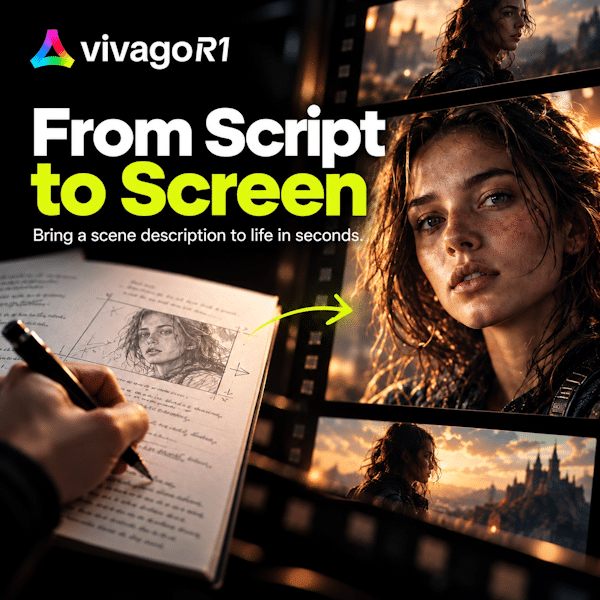
AI video tools have made it easier to generate a compelling scene. The harder part often comes afterward: deciding what happens next, keeping a character recognizable, reviewing the material, and turning separate outputs into a coherent video.
HiDream.ai’s vivago R1 is built around that production problem. It combines conversational direction, visual planning, generation, and asset management in a single AI-assisted workspace. The aim is to give creators a way to develop a project, rather than start over with each new prompt.
From Creative Brief to Production Plan
Users can begin with a written idea and add references such as images, video, or documents. A request might describe an advertisement, establish a character, or outline the tone of a short story. R1 then uses a coordinated agent system to turn that brief into production tasks.
According to HiDream, a lead agent plans the work while specialized agents address elements including scripts, storyboards, characters, environments, and audio. Its HD-AgentOS system coordinates those tasks around a shared project context. For a creator, the intended benefit is straightforward: less time working out which tool to open next, and more time shaping the result.
R1 supports videos of up to five minutes in a single production workflow. Projects can be extended through further creation rounds, although the stated duration should not be mistaken for a guarantee that every idea will yield a finished five-minute video without revision.
A Workspace That Makes Review Part of the Process
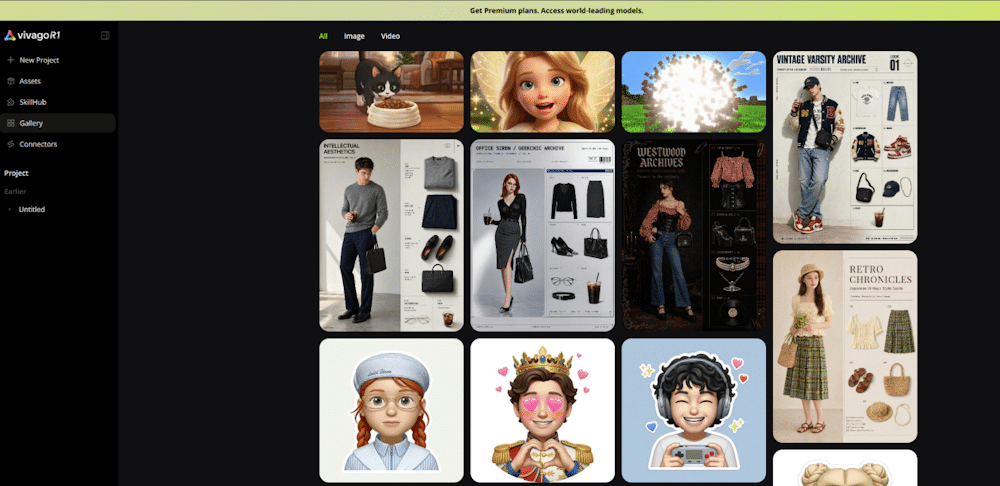
Prompting is useful for giving direction, but it is a poor substitute for seeing how a production is taking shape. R1 addresses this with a chat-and-canvas interface. Chat handles instructions and feedback; the canvas gives scripts, storyboards, generated video, and other key materials a visual place in the project.
One demonstrated use of the Cinematic Story Director workflow shows R1 developing a storyboard and key images from an initial idea, then waiting for the creator’s confirmation before proceeding to video generation. The pause is an important detail. It lets users catch a weak concept or an unwanted visual direction before more work is built on top of it.
That makes R1’s approach less about pressing a button and hoping for a complete film, and more about moving through identifiable production stages with opportunities to intervene.
SkillHub Turns Capabilities Into Specific Tasks
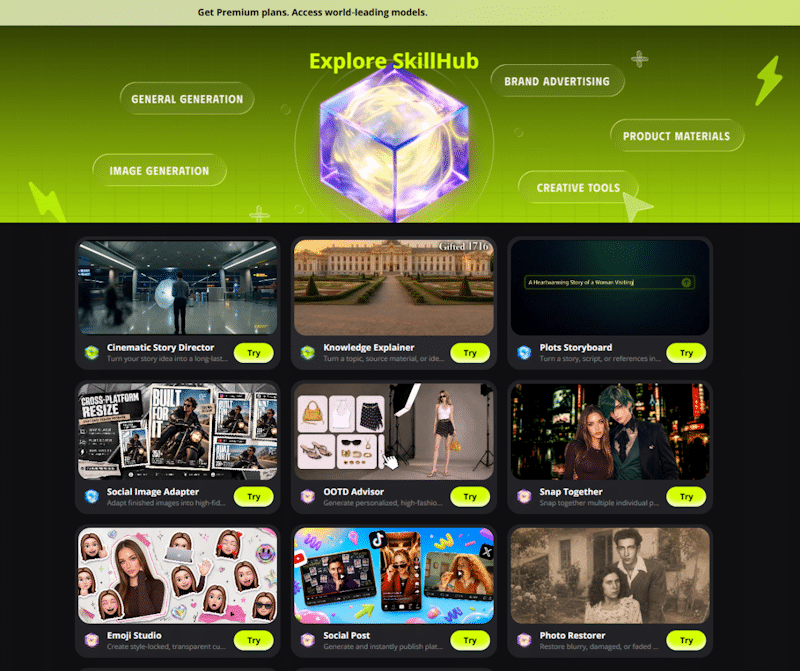
Not every user arrives with a detailed shot list. R1’s SkillHub offers task-focused workflows that make the starting point more concrete, including options for narrative video and other creative work.
OOTD Advisor is a useful example of how a smaller task can contribute to a larger production. In a demonstrated scenario, a creator uses an AI-generated character image as a reference and asks for several distinctive, work-appropriate outfits. The workflow returns four concepts. A selected look could then help define how that character should appear in subsequent scenes.
The value here is not that outfit generation replaces costume design. It is that an accessible task—exploring a character’s appearance—can become one step in developing a consistent visual identity.
Assets That Can Outlast a Single Prompt
Continuity remains one of the practical challenges of AI video. A promising character, location, or prop is less useful if it cannot be brought into the next shot or project.
R1 includes an asset library for retaining approved outputs, alongside reference features intended to help maintain characters, settings, props, and voice characteristics across shots. Established characters and settings can also be carried into later episodes. For teams making a series of ads or creators developing recurring stories, this offers a more structured alternative to repeatedly reconstructing the same brief.
It does not make continuity automatic. Creators still need to inspect the results. But saving and reusing approved assets gives consistency a place in the workflow instead of treating it solely as a prompting challenge.
More Than a Browser Workflow
Vivago also provides a command-line interface for developers and compatible AI agents. It supports tasks such as starting video-generation jobs, processing media, and managing production jobs. A technical team could use it within scripts or batch processes while keeping the visual workspace available for creative review.
Creator examples shared for R1 include a nearly five-minute story inspired by Journey to the West and an advertisement centered on a designer using a red foldable phone. They illustrate the kinds of multi-scene projects the product targets. As with any product demonstration, though, prospective users should judge the outputs by more than their strongest frames: transitions, audio, continuity, and ease of revision matter just as much.
HiDream says it plans to integrate its HiDream-O1-Video-1.0 model, which generates 1080p video with natively synchronized audio, into R1 in an upcoming update. That is a future integration, not a feature to attribute to the current R1 workflow.
For now, vivago R1’s distinguishing idea is organizational. It brings the brief, production steps, review points, and reusable materials into one environment. Whether it fits a particular creator or team will depend on how well that structure holds up across an entire project—not merely on the quality of one generated clip.
Explore vivago R1 at vivagoai.go.link/2G0b0